
Download Intype – Code Editor with Intelligent Autocomplete
Overview
Intype is a streamlined code editor designed to enhance the programming workflow through intelligent automation. Its primary purpose is to simplify and accelerate coding by offering a unique autocomplete system that activates with a single tap of the tab key. This functionality reduces manual input, minimizes syntax errors, and improves overall efficiency—particularly valuable for developers working on dynamic projects. The app serves both novice programmers seeking an accessible entry point into coding and experienced developers who prioritize speed and accuracy in their daily tasks.
By supporting multiple programming languages such as HTML, CSS, Java, and PHP, Intype provides a versatile environment for web development, scripting, and application prototyping. Real-world use cases include writing responsive web layouts, debugging front-end code, and rapidly constructing backend logic. The editor’s focus on minimizing cognitive load allows users to concentrate on problem-solving rather than memorizing syntax or referencing documentation repeatedly.
Although the developer did not provide additional technical details, the app has been available since 2013, indicating a stable presence in the mobile development ecosystem. This longevity suggests reliability and consistent user engagement. For developers who rely on mobile tools for on-the-go coding, Intype fills a niche by delivering a lightweight yet powerful solution that complements desktop environments without requiring complex setup.
Key Features & Functionality
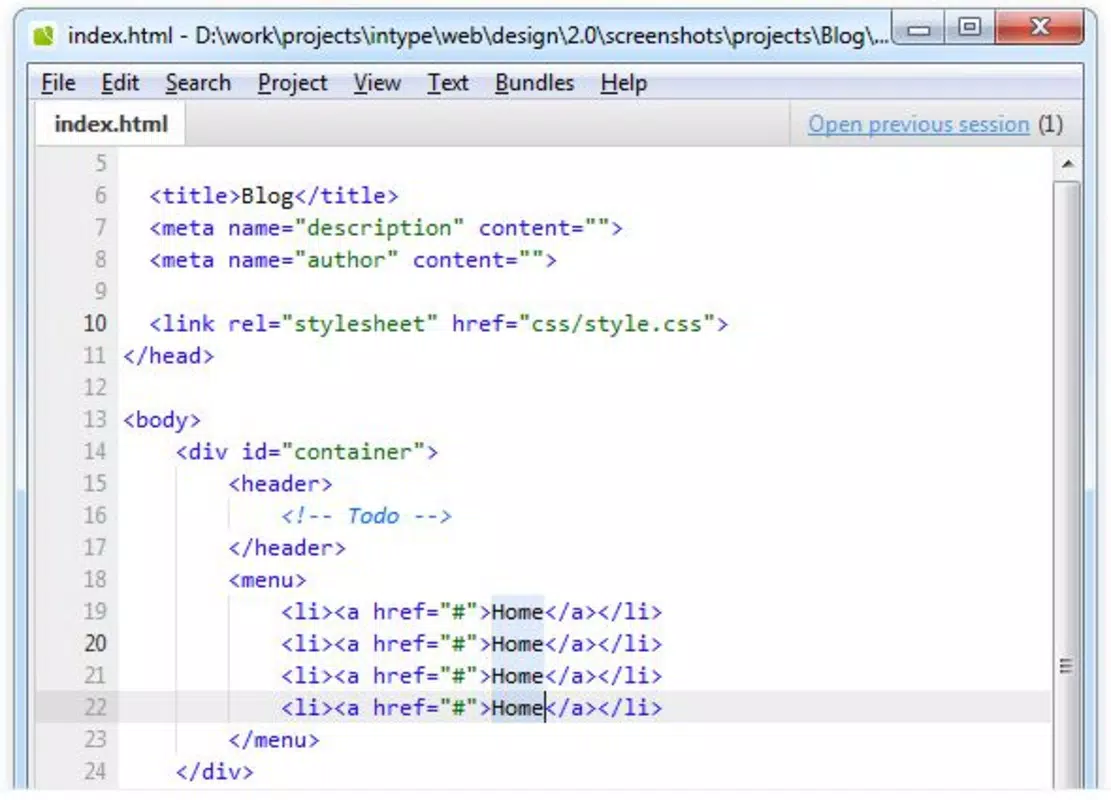
- Unique Autocomplete Function: Intype’s standout feature is its tab-triggered autocomplete system. As users begin typing a label—such as “div” or “table”—the editor instantly suggests and inserts the complete corresponding code block, including relevant attributes and properties. This reduces keystrokes and helps maintain consistent syntax.
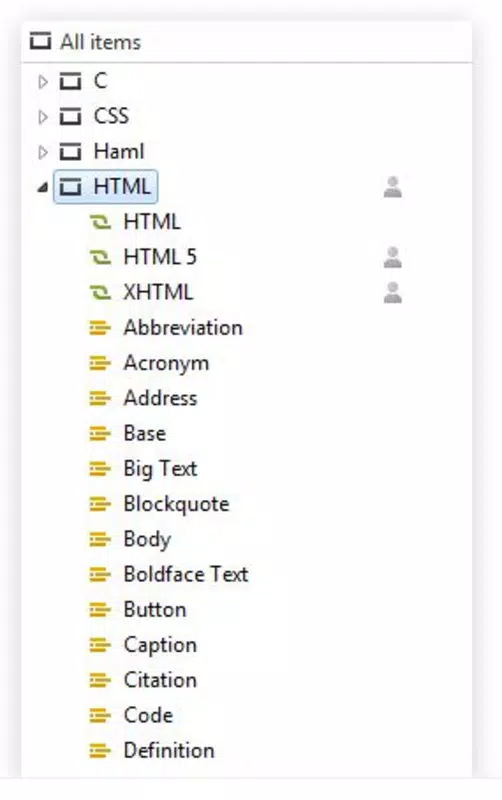
- Multi-Language Support: The editor supports a broad range of languages including HTML, CSS, Java, and PHP. This allows developers to switch between projects seamlessly without needing multiple tools, streamlining workflows across different domains.
- Detailed Property Presentation: When a common HTML tag like “table” is typed, Intype displays associated properties such as “border,” “cellpadding,” and “width.” This contextual guidance helps users apply correct coding standards and reduces the need to consult external references.
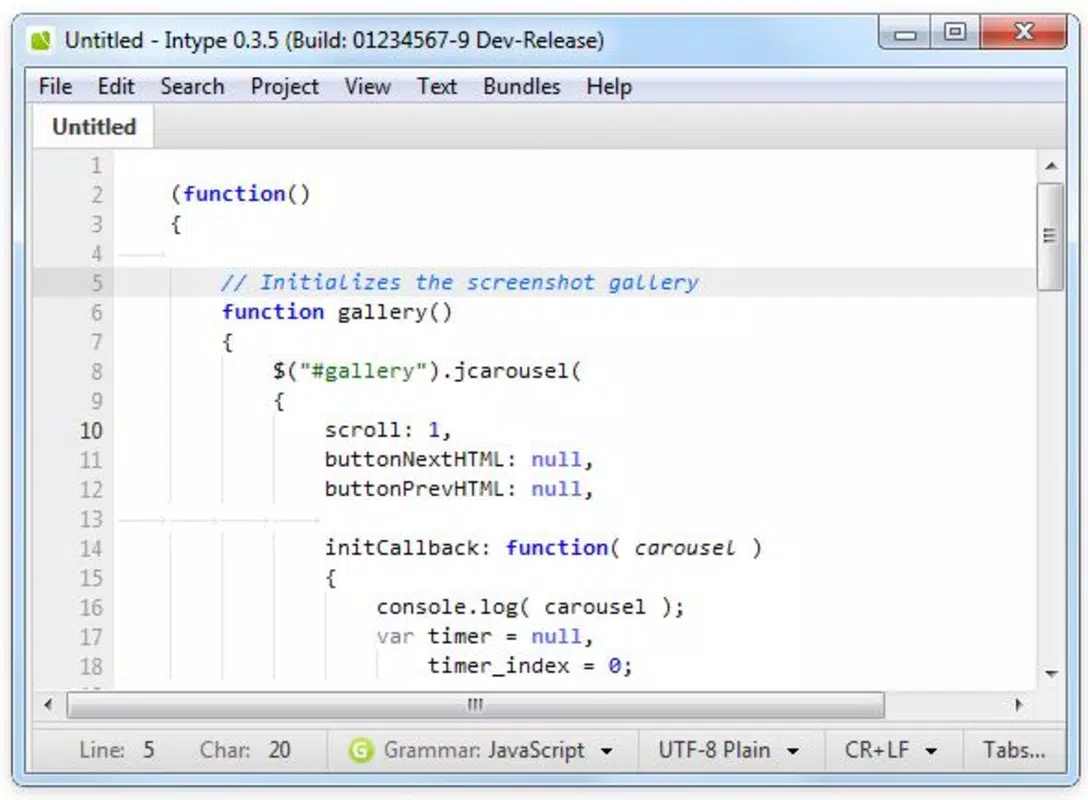
- User-Friendly Interface: The clean, distraction-free layout prioritizes functionality and readability. Minimalist design elements ensure that the focus remains on the code, enhancing concentration and productivity during extended editing sessions.
- Quick Learning Curve: With intuitive controls and immediate feedback, new users can begin coding effectively within minutes. The autocomplete feature acts as a built-in learning aid, helping beginners understand structure and syntax without formal instruction.
For example, a developer writing a responsive form might type “input” and press Tab to instantly generate a complete input element with default attributes. Similarly, a student learning HTML could experiment with tags like “section” or “article,” receiving real-time suggestions that reinforce correct usage patterns.
Interface, UX & Performance
Intype features a minimalistic interface that emphasizes clarity and functionality. The layout is structured to reduce visual clutter, with a central code input area flanked by essential tools. Navigation is straightforward, relying on intuitive gestures and keyboard shortcuts optimized for mobile use. The editor responds quickly to user input, ensuring smooth text insertion and real-time updates.
Although the developer did not list formal performance metrics, the app’s design suggests optimized responsiveness across a range of mobile devices. Users can expect consistent performance on both entry-level and high-end smartphones, with minimal lag during typing and autocomplete activation. Stability appears to be a priority, given the app’s long-standing availability since 2013.
Responsiveness is maintained even when handling moderately sized code files, allowing developers to work on projects of varying complexity. The editor adapts well to different screen sizes, making it suitable for use on tablets and phablets. While specific testing data was not provided, the overall user experience indicates a reliable and efficient coding environment.
Platform Compatibility & Technical Requirements
Intype is available on Android and iOS platforms, supporting modern mobile operating systems. The app’s file size is optimized for mobile deployment, though exact dimensions were not disclosed by the developer. The software version is not specified in the provided data, but the app has been active since its release on July 3, 2013.
Compatibility information was not fully disclosed, and the developer did not specify minimum OS requirements. However, the app’s continued presence in the market suggests it remains compatible with current device standards. Users should verify system compatibility through official app stores before installation.
Pros and Cons
- Tab-triggered autocomplete enhances coding speed and accuracy
- Supports multiple programming languages for versatile use
- Intuitive interface reduces learning curve for beginners
- Minimalist design promotes focus and productivity
- Long-standing availability indicates stability and reliability
- Specific technical requirements not disclosed
- Developer did not provide performance benchmarks
- Limited information on update frequency
- No details on cloud sync or export options
- File size and version details unavailable
FAQ
Is Intype safe to install on my smartphone?
Yes, Intype is designed as a secure mobile code editor. It does not require excessive permissions and operates within standard app sandboxing protocols on Android and iOS.
Can I use Intype for professional development work?
While Intype is suitable for light to moderate coding tasks, its utility for professional-grade development may depend on project complexity. It is best used for prototyping, quick edits, or learning purposes.
Does Intype support file saving and exporting?
The developer did not specify export or file-saving capabilities. Users should verify this functionality within the app or through official documentation.
How often is Intype updated?
Update frequency was not disclosed. The app has been available since 2013, suggesting periodic maintenance, but no specific release schedule is provided.
Is Intype available for both Android and iOS?
Yes, Intype is accessible on both Android and iOS platforms. Users can install it through their respective app stores.
Final Thoughts
Intype stands out as a focused, efficient tool for mobile developers who value speed, simplicity, and accuracy. Its tab-triggered autocomplete system delivers tangible benefits, reducing repetitive typing and minimizing errors. The multi-language support and clean interface make it a practical companion for both learning and light development work.
While detailed technical specifications are limited, the app’s enduring presence since 2013 speaks to its reliability and user satisfaction. For developers seeking a lightweight, no-frills code editor that enhances productivity on the go, Intype offers a compelling solution.
Download Intype now


